Design by Conversation
No flowchart, no swim lanes. A look at what the day-to-day workflow actually looks like when design intent and code implementation happen in a single conversation.
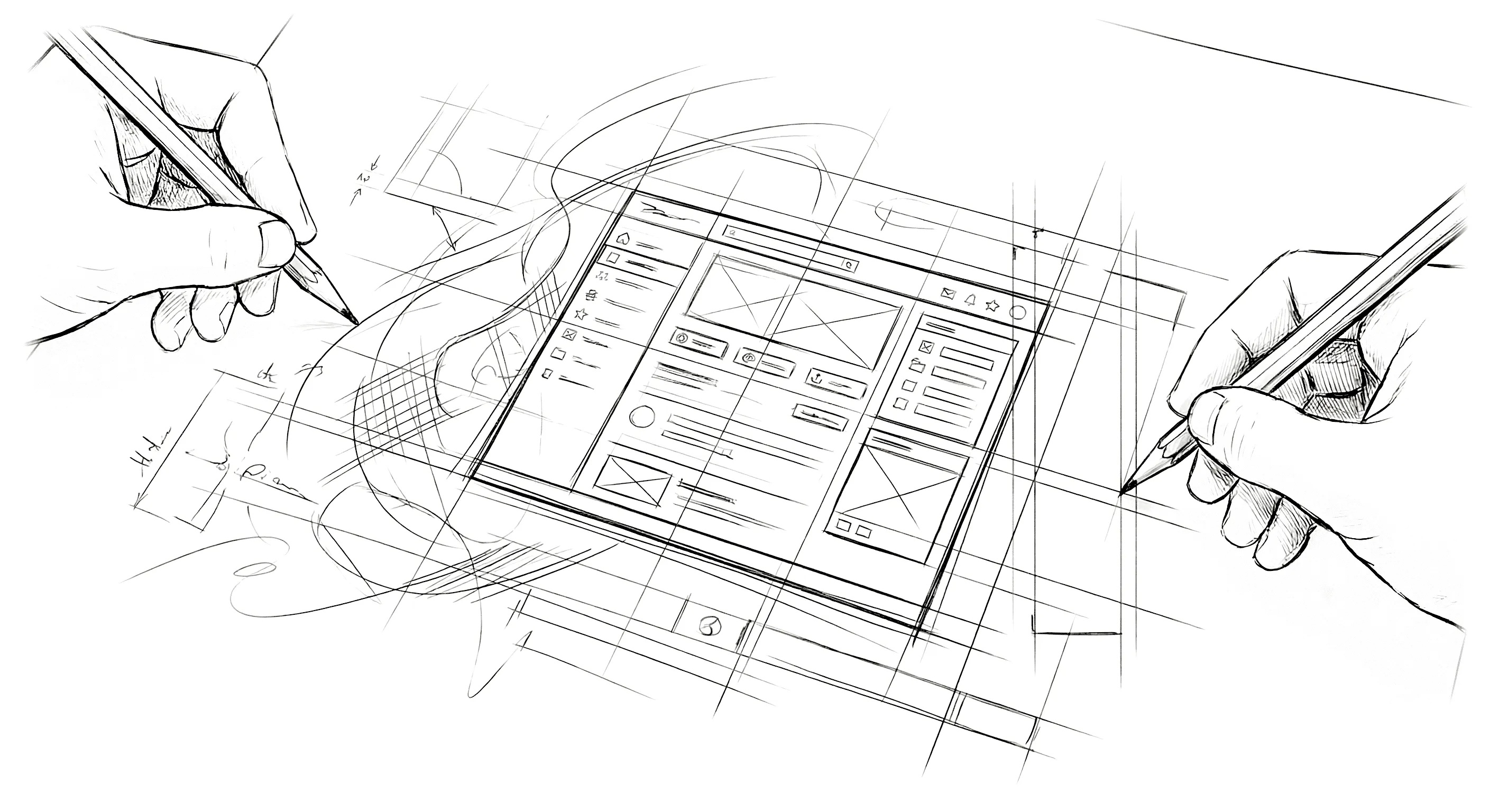
People keep asking me what my process is now. They expect a diagram. Some neat little flowchart that replaces the old six-step handoff cycle with a new, equally structured system. Preferably with arrows and swim lanes. Maybe a Notion template.
I don’t have a diagram. I have a conversation.
That sounds flippant, but it’s the most accurate description I can give. My workflow now is a sustained conversation between my design intent and a system that can implement it in real time. The conversation has a shape — it’s not random — but it’s fluid in a way that no traditional process ever was.
Let me walk through what an actual day looks like.
It Still Starts with the Problem
I still start with the problem. That hasn’t changed and it never will. Good design begins with understanding what you’re solving, who you’re solving it for, and what constraints you’re working within. No tool changes that. If you skip this step, you’ll build the wrong thing faster, which is worse than building the wrong thing slowly because you’ll ship it before anyone catches the mistake.
So the morning usually starts the same way it always did. Reviewing requirements. Thinking through user flows. Sketching — sometimes on paper, sometimes in my head. Identifying the hard problems. Where will users get confused? Where’s the cognitive load? What’s the primary action on this screen and am I making it obvious enough?
The difference is what happens after.
In the old workflow, this thinking produced a design file. A Sketch document with artboards and symbols and carefully organized layers. That file was the artifact — the thing that communicated my decisions to everyone downstream.
Now, the thinking produces a conversation. I open Claude Code and start directing. And because I operate in both design and code, the direction moves fluidly between the two.
“I need a dashboard layout. CSS Grid, three columns — use grid-template-columns with a fixed 240px sidebar, 1fr main area, and a 320px contextual panel. On tablet, collapse the contextual panel into a slide-out. On mobile, single column, bottom nav.”
That’s the first prompt. Not a wireframe. Not a comp. A structural description that carries both the design intent and the implementation approach. Within minutes, I have a working layout in a browser.
Real-Time Iteration
Here’s where it gets interesting. The first output is never done. It’s never supposed to be done. It’s a starting point — a draft that I can react to, push on, and refine.
This is exactly how design works in my head, and it’s why this workflow fits so naturally. Design has never been a linear process for me. It’s iterative. You make a decision, you see how it affects everything else, you adjust. The old workflow forced that iteration into slow, expensive cycles. Design review. Dev revision. QA. Repeat. (And the occasional “per my last email” that everyone pretends is professional.)
Now the iteration happens in real time. I see the layout and I respond to it — sometimes in design language, sometimes in code, usually both.
“The sidebar feels too heavy. Reduce it to icon-only at this viewport width — 64px collapsed, with labels appearing on hover via a tooltip, not a width expansion. Use a CSS transition on the tooltip opacity, 150ms ease-out. And the contextual panel — make that a slide-out with a backdrop overlay at 0.4 opacity on the content area.”
“Better. But the slide-out transition is too fast. Ease it — 300ms with a cubic-bezier that decelerates. And the backdrop needs pointer-events so clicking it dismisses the panel.”
This back-and-forth can go ten rounds or fifty. It doesn’t matter, because each round takes seconds to minutes instead of hours to days. I’m not waiting on a build. I’m not filing tickets. I’m not writing up change requests with annotated screenshots that somehow still get misinterpreted. I’m designing and building simultaneously, correcting at whatever level of abstraction makes sense in the moment.
Where’s the Precision?
I want to address something that experienced designers and developers will immediately wonder: where’s the precision?
Fair question. When I worked in Sketch, every element was placed with intention. Spacing was systematic. Colors were tokenized. Typography followed a scale. The design file was a source of truth, and the precision was the point.
That precision still exists. It just lives in the conversation instead of the file — and because I speak both languages, it’s often more precise than what a static comp could communicate.
“All spacing follows an 8-point grid. Set up custom properties: --space-xs at 4px, --space-sm at 8px, --space-md at 16px, --space-lg at 24px, --space-xl at 32px, --space-2xl at 48px. Base font is 16px on a 1.25 modular scale. Primary color is this hex — derive the palette using oklch so the lightness ramps are perceptually uniform.”
These are design system decisions expressed with implementation specificity. I’m not describing what I want and hoping a developer interprets it correctly. I’m stating the system in terms that produce exactly the right output. And if something deviates, I see it instantly — because I can read the generated CSS and spot when a spacing value is hardcoded instead of using the custom property, or when a color isn’t pulling from the palette. (Hardcoded padding: 17px in a system based on 8-point increments? In this economy?)
In some ways, the precision is actually higher now. Because I’m reviewing the real output — in a browser, at actual viewport sizes, with real interaction — I catch things I never would have caught in a static comp. How does this layout respond at 1024px where the grid might be awkward? Does the font rendering at 14px on Windows make the typeface look muddy? Is that animation janky because the browser is compositing too many layers? These are questions that only working code can answer, and now I have working code from the start.
What About Real Complexity?
The other question I get is about complexity. “Sure, you can build a landing page this way. But what about a real application? What about state management, API integration, authentication?”
I build real applications this way. Enterprise AI products where I’m embedded as the product designer. Solo practice projects where I’m the designer and the developer — which was always the case, but the workflow used to mean designing in Sketch first, then translating to code in a separate phase. Multi-step forms with validation logic. Interactive maps with custom tile layers and 3D terrain. The scale varies — some are full-time product roles with engineering teams, some are solo engagements where I own the entire experience end to end — but the workflow is the same. These aren’t toy projects. They’re production systems that real users rely on daily.
The complexity is handled the same way — through conversation that moves between design and code as needed. “This component needs to fetch data on mount, show a skeleton loader while pending, and handle the error state gracefully — not a generic error message, but a contextual one that tells the user what went wrong and offers a recovery action. For the skeleton, match the layout dimensions of the loaded state so there’s no layout shift. We’re not savages.”
That’s a single prompt that contains design decisions (contextual error messaging, no layout shift) and implementation decisions (fetch on mount, skeleton matching loaded dimensions) in the same breath. Because that’s how I think about it. The distinction between design and code is artificial when you understand both.
For truly complex technical architecture, I still make deliberate decisions about data models and API design. But the frontend — the part where design intent meets user experience — that’s entirely conversational now. And honestly, the complex projects are where this workflow shines brightest. The more decisions there are to make, the more valuable it is to have instant feedback. A simple landing page has maybe fifty design decisions. A full application has thousands. Being able to make and validate those decisions in real time — that’s not a marginal improvement. It’s a fundamentally different way of working.
The Part That Matters Most
There’s one more thing I want to name, because it matters.
I enjoy this.
Not in the way you enjoy a tool that saves you time. In the way you enjoy a creative practice that matches how your brain actually works. The conversation-based workflow mirrors my natural thinking — the constant oscillation between “how should this feel” and “how should this be built” — more closely than any tool I’ve used in 25 years. Sketch was beautiful. Figma is powerful. But they’re still about representing decisions in a static medium, separated from the code that brings them to life. What I do now is work directly in the medium where the product lives, at both the design and implementation level simultaneously.
It feels like the gap finally closed. Not just the gap between design and production — the gap between the two modes I’ve always operated in. Even in my solo practice, where I was both the designer and the developer, those were sequential phases. Sketch first, code second. Now they’re the same phase. And that changes everything about how I approach the work.
This is Part 3 of a series on the shift from traditional design workflow to code-first with AI. Next up: the creative explosion — what happens when a designer with 25 years of ideas suddenly has no execution bottleneck.