Does It Hold Up?
The craft question every designer should ask about AI-assisted code. Does the output meet a professional quality bar — and what determines whether it does?
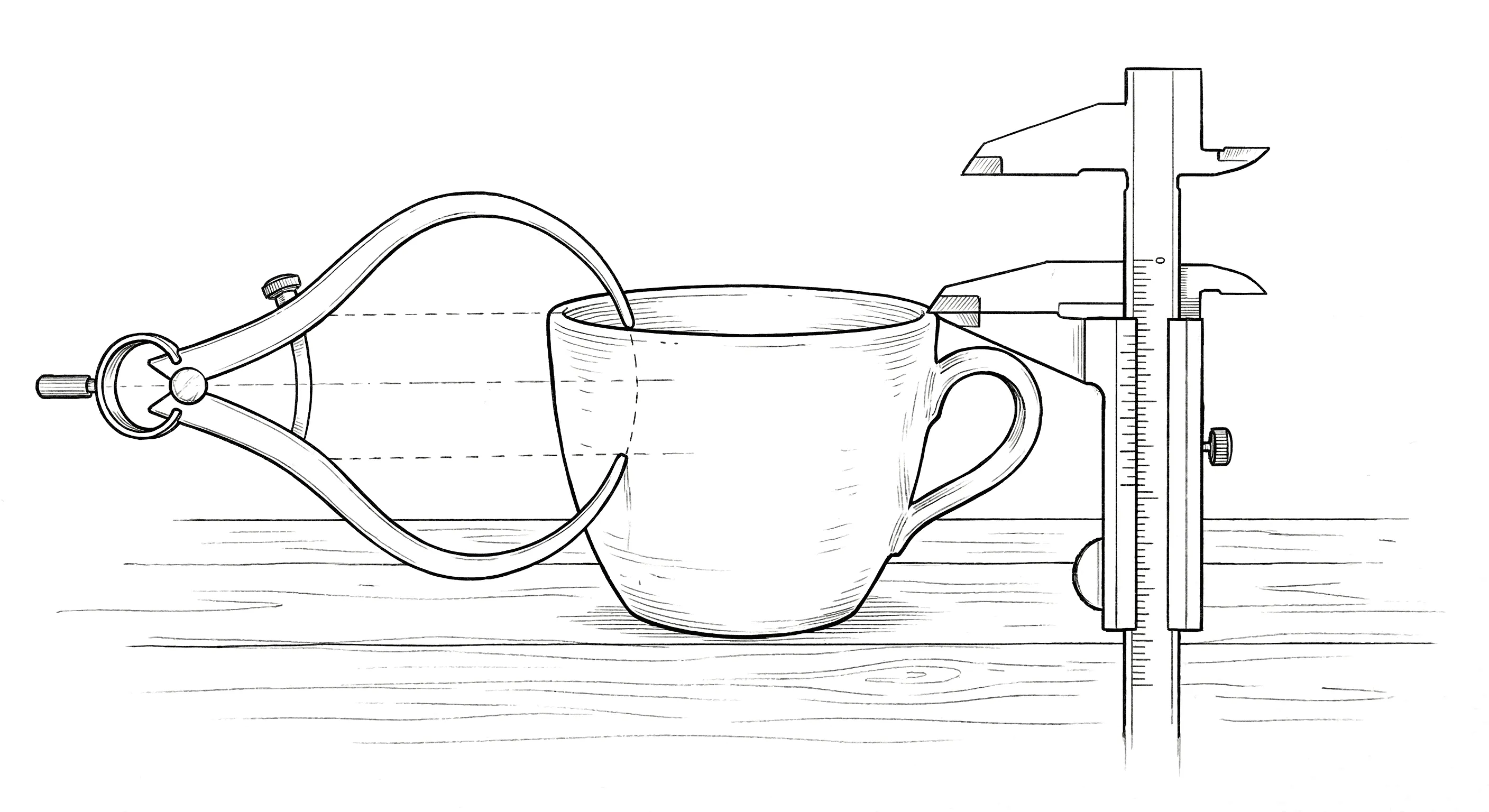
I knew this question was coming. It’s the right question, and I’d be skeptical of anyone in this space who doesn’t take it seriously.
Does the code hold up? Is AI-assisted output actually good enough for production? Can you maintain the level of craft that separates professional work from “it works, ship it”?
The honest answer: it depends entirely on what you bring to the conversation.
The Raw Output
Let me start with what the code looks like raw — before someone who knows what they’re looking at touches it.
It’s competent. Structurally sound. It follows conventions. If you ask for a React component, you get a properly structured React component. If you ask for responsive CSS, the breakpoints work. The fundamentals are handled.
But competent isn’t craft. Competent is the baseline. And if you accept the first output without scrutiny, you’ll end up with work that feels exactly like what it is: generated. Clean, functional, and completely devoid of opinion. The digital equivalent of a hotel room — everything’s there, nothing’s wrong, and you feel absolutely nothing.
This is where being fluent in both design and code becomes the decisive advantage. I don’t just look at the output in the browser and ask “does this feel right?” I also open the code and ask “is this built right?” Both questions matter. A visually correct layout built on fragile CSS is a liability. A well-structured component that looks generic is a missed opportunity. You need both lenses.
The Dual Review
Here’s what I actually do.
The first output gives me structure. Layout, components, basic interactions. I review it the way I’d review a pull request from a mid-level developer — checking both the visual result and the implementation beneath it.
In the browser: Is the spacing systematic or arbitrary? Does the type hierarchy communicate the right importance? Does the hover state feel intentional? Is the animation easing appropriate, or is it the default linear timing that AI reaches for like a comfort blanket?
In the code: Is the CSS using custom properties or are values hardcoded? Did it reach for a reasonable layout approach or did it nest flexbox containers three levels deep? (This is a recurring theme. AI loves nesting flex containers the way some people love nesting parentheses.) Are the class names semantic? Is the responsive behavior handled through proper breakpoints or through JavaScript that should be CSS? Is the markup accessible — proper heading hierarchy, ARIA labels where needed, focus management on interactive elements?
I catch things at both levels simultaneously because I think at both levels. “The card looks right but the box-shadow is using px values instead of the design token” is a code-level observation that has design-level consequences. “The layout breaks at 768px” is a visual observation that requires a code-level fix — and I can usually tell whether it’s a missing media query, a flex-shrink issue, or a min-width problem just by how it breaks.
This dual review is fast. Not because the tool is fast — though it is — but because I’m not translating between two disciplines. Design evaluation and code evaluation happen in the same pass, in the same brain, informing each other.
Precise Corrections
When I find issues — and I always find issues on the first pass — the corrections are precise because they can be.
“The card component is using box-shadow for elevation. Drop the blur to 8px, the spread to 1px, and the color to rgba(0,0,0,0.08). On hover, increase the blur to 16px and shift the y-offset to 4px — use a transition on box-shadow at 200ms ease-out. And move these values into custom properties so they’re part of the elevation system, not one-off declarations.”
“The transition between states is jarring. The opacity change needs 200ms ease-out but the transform should be slightly longer — 250ms with a deceleration curve. Stagger them so the old content fades while the new content is already beginning its upward translate. And make sure you’re transitioning transform and opacity specifically, not using transition: all, because that’ll pick up color changes and layout shifts you don’t want animated.” (transition: all — the “select *” of CSS. Never not a mistake.)
“The empty state is a centered text string. Not good enough. Give it a container with max-width: 320px, center it in the available space. Muted text, not body color — use the --color-text-secondary token. Add a primary action button below it with comfortable spacing. The whole thing should feel like an invitation, not an error.”
Each of these corrections carries design intent and implementation specificity in the same breath. I’m not writing a change request for someone else to interpret. I’m directing the implementation in real time, with the precision of someone who knows exactly what the CSS should look like.
Craft Beyond Pixels
I want to address craft from a different angle, because pixel-level polish is only one dimension.
Craft in digital product design means the experience feels considered. Every interaction communicates that someone thought about it. The loading state isn’t an afterthought. The error message is helpful, not generic. The transition between screens has rhythm. The information hierarchy guides your eye without demanding your attention.
This level of consideration is hard to achieve through handoffs. It’s not that developers don’t care about these details — many do, deeply. It’s that the details live in the designer’s head, and transferring them through documentation is lossy by nature. The developer didn’t sit in the design session where you decided the loading skeleton should match the exact dimensions of the loaded content to prevent layout shift. That decision exists in a Figma annotation that might get read or might not. (It might not.)
When the person who made the design decision is the same person evaluating the implementation — and can evaluate it in both design terms and code terms — nothing gets lost. I notice that the skeleton loader causes a 2px layout shift because the border-radius differs from the loaded card. I notice it because I see it in the browser and I can confirm it in the CSS. And I fix it in the same session, not in the next sprint.
An Honest Assessment
Now — is every project I build this way at the same level as a senior frontend engineer working for weeks? Let me be direct about this.
The CSS and layout work is production-quality because I can evaluate it at that level. I know when the code is clean and when it’s not. I know when a responsive approach is robust and when it’ll break at an oddball viewport. I know the difference between CSS that scales and CSS that’s held together with magic numbers and prayers.
Where I lean on specialists: complex state management at scale, performance optimization for heavy data applications, deep accessibility auditing, infrastructure and DevOps. These are real specialties that deserve dedicated expertise. I’m not trying to replace a platform engineer. I’m trying to stop being blocked by one.
But here’s the shift in collaboration. In my full-time product role, instead of handing off a design file and saying “build this,” I hand off a working frontend with the design already implemented. The engineer’s job becomes “optimize and harden this” instead of “interpret this comp.” In my solo practice, the shift is even more dramatic — I used to design in Sketch, then context-switch into developer mode to translate my own work into code. Now there’s no translation phase at all. The design and the code emerge together. Whether I’m working with an engineering team on an enterprise AI product or owning the entire stack for a solo client, the dynamic is fundamentally different. That’s a better use of everyone’s time — including mine — and produces a better result for everyone involved.
The designer-developer who hands off working code earns a different kind of respect in that collaboration. You’re not asking someone to build your vision. You’re asking them to make your build better. That changes the dynamic completely.
The Standard Is Yours
The craft question ultimately comes down to this: the tool produces what you accept.
If you don’t know what good CSS looks like, you’ll accept mediocre CSS. If you can’t evaluate responsive behavior beyond “it doesn’t break,” you’ll ship layouts that technically work but feel careless at certain viewports. If you don’t understand animation performance, you’ll accept transitions that jank on lower-powered devices. If you think !important is a valid architectural decision, we need to talk.
But if you bring 25 years of design sensibility and genuine frontend development expertise to the conversation — if you can evaluate the output with both eyes open — the craft is there. Not because the AI produces it automatically. Because you refuse to ship anything that doesn’t meet your standard, and you have the knowledge to articulate exactly what needs to change.
The standard was always yours to set. Now you have the means to enforce it.
This is Part 5 of a series on the shift from traditional design workflow to code-first with AI. Final installment next: practical advice for designers who want to make this shift themselves.